How to Make a 3D Wooden Christmas Tree with Your Cricut Maker and Basswood
Christmas is the perfect season for handmade crafts, and these 3D wooden Christmas trees are a beautiful way to add a personal touch to your holiday decor. Using a Cricut Maker, basswood, and a knife blade, you can create simple wooden trees that look polished, modern, and festive.
This Cricut Christmas craft is ideal for small tabletop decorations, mantel displays, holiday centerpieces, or handmade ornaments. The natural basswood finish gives the trees a clean rustic look, but you can also paint, stain, or decorate them to match your own Christmas style.
If you enjoy making your own decorations, this project is a great way to use basswood with your Cricut Maker. Because basswood is thicker than vinyl, paper, or cardstock, the cutting process takes more time and requires the right tools. Once the pieces are cut, assembly is quick and easy.
This post contains affiliate links.
Here’s What You’ll Need
- Cricut Maker
- Strong Grip Mat
- Basswood
- Knife Blade
- Painters Tape
- Hot Glue Gun
- Optional: Jute, Bakers Twine, Paint, or Wood Stain
Grab Your Design
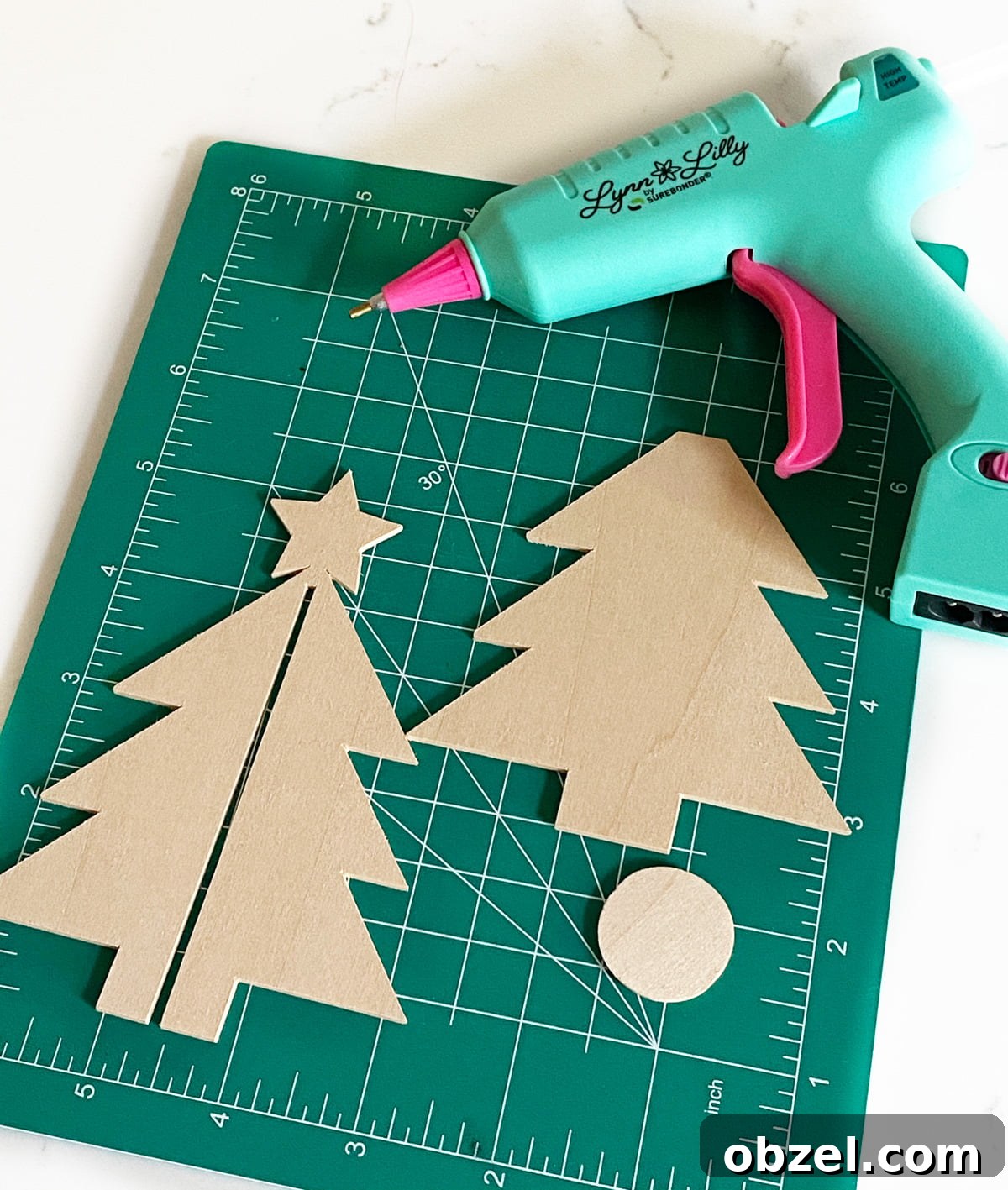
Before you begin cutting, prepare your Christmas tree SVG design in Cricut Design Space. This project uses two tree pieces that slide together to create a 3D shape, along with a small basswood circle for the base. Make sure the design is sized correctly for your basswood sheet and that all pieces fit within the cutting area of your mat.
For the best results, keep the design clean and simple. Basswood can handle detailed cuts, but more intricate designs will take longer and may need extra attention when removing the finished pieces from the mat.
Set Material
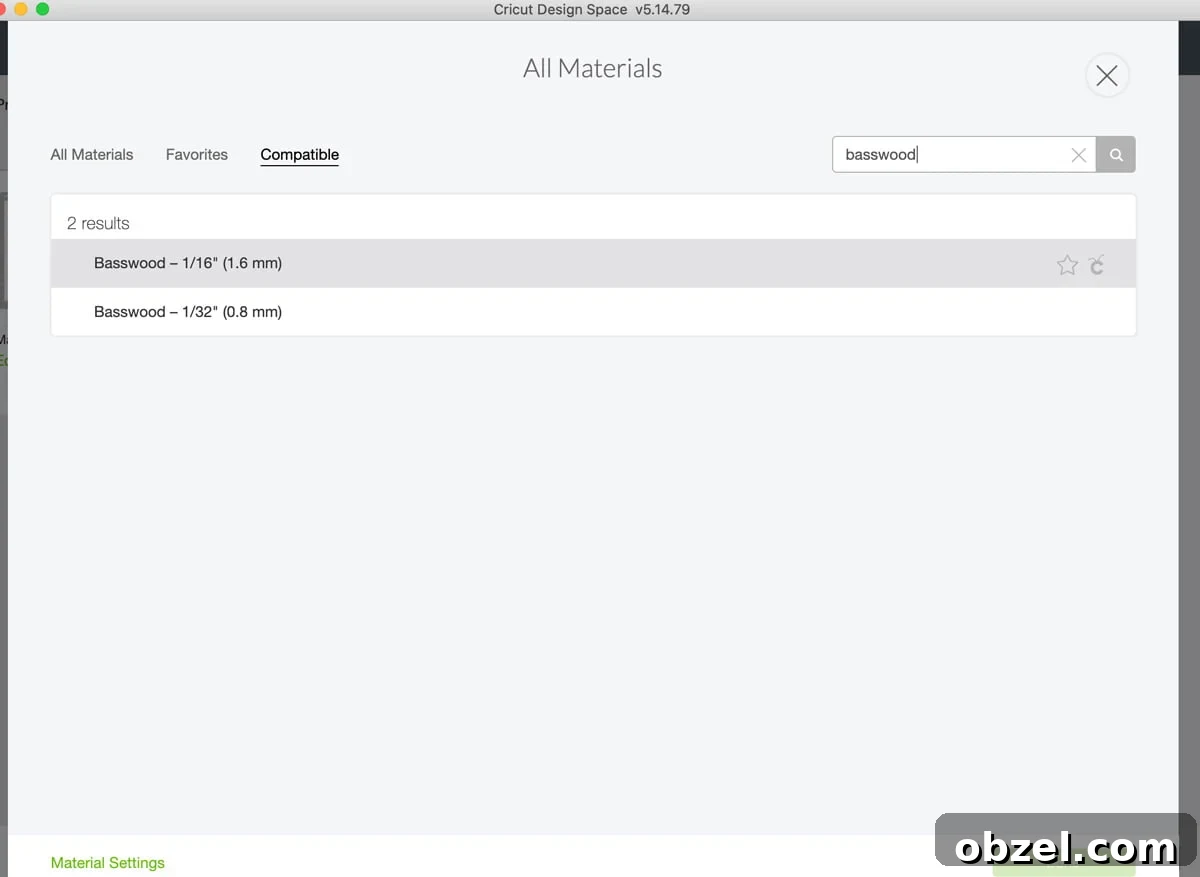
Once your design is ready, click continue in Cricut Design Space and choose your material setting. Select “Browse All Materials” and search for chipboard or the appropriate basswood setting available for your machine and software. If the material option does not appear on an iPad or mobile device, try using a computer instead.
Basswood cuts take longer than most standard Cricut materials, so it is a good idea to plug your Cricut Maker directly into your computer. A wired connection helps prevent interruptions during longer cuts, especially when the cutting time is close to an hour.
Tape Basswood To Mat
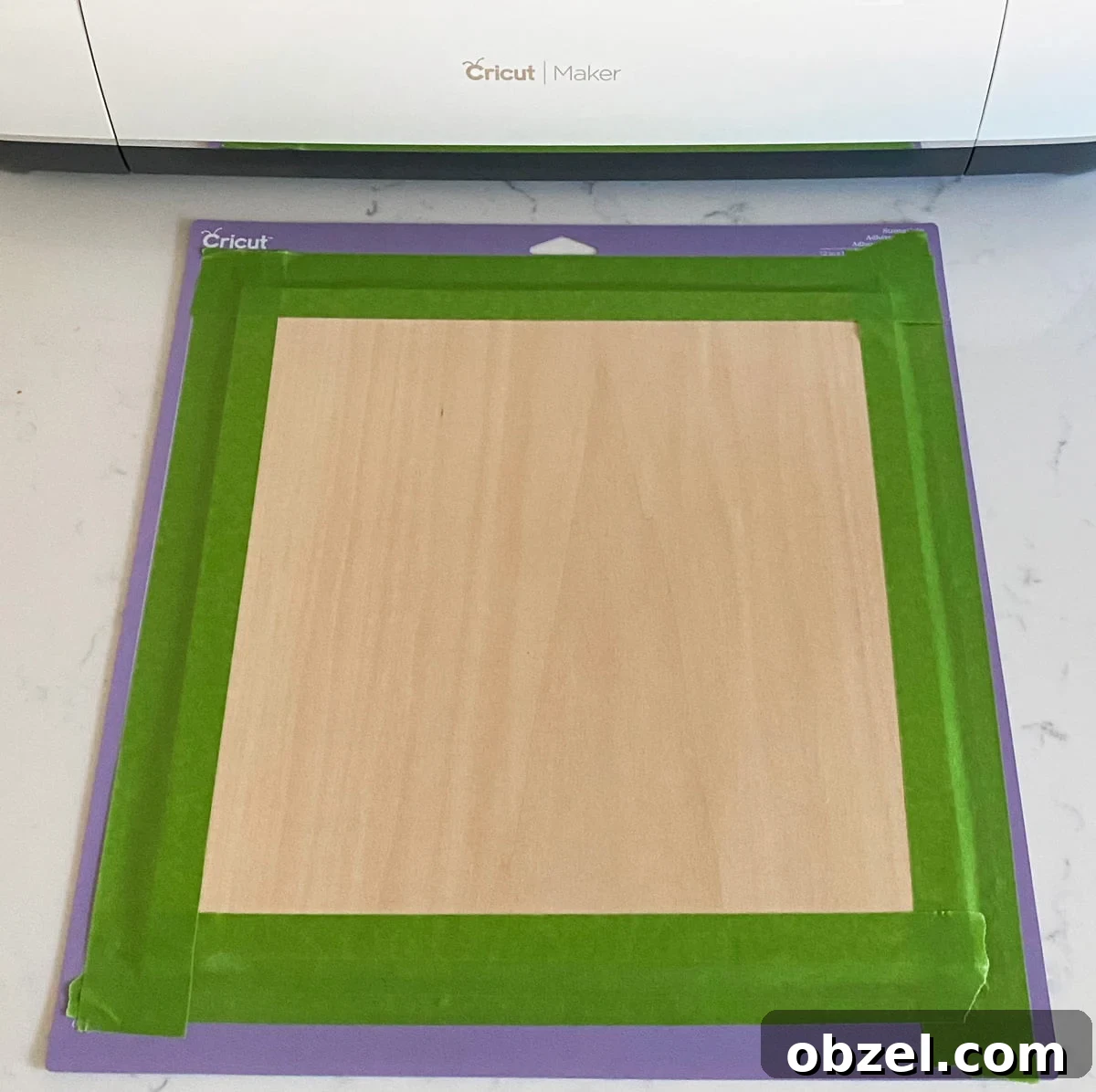
Now it is time to prepare your mat. Because basswood is thicker and more rigid than paper or vinyl, it needs to be secured firmly before cutting. Place the basswood on a Strong Grip Mat, lining it up carefully on the right side of the mat.
Use painters tape around the edges of the basswood to hold it in place. Make sure the tape does not cover any areas where the blade will cut. Taping the wood down helps prevent shifting while the Cricut Maker makes multiple passes through the material.
Knife Blade
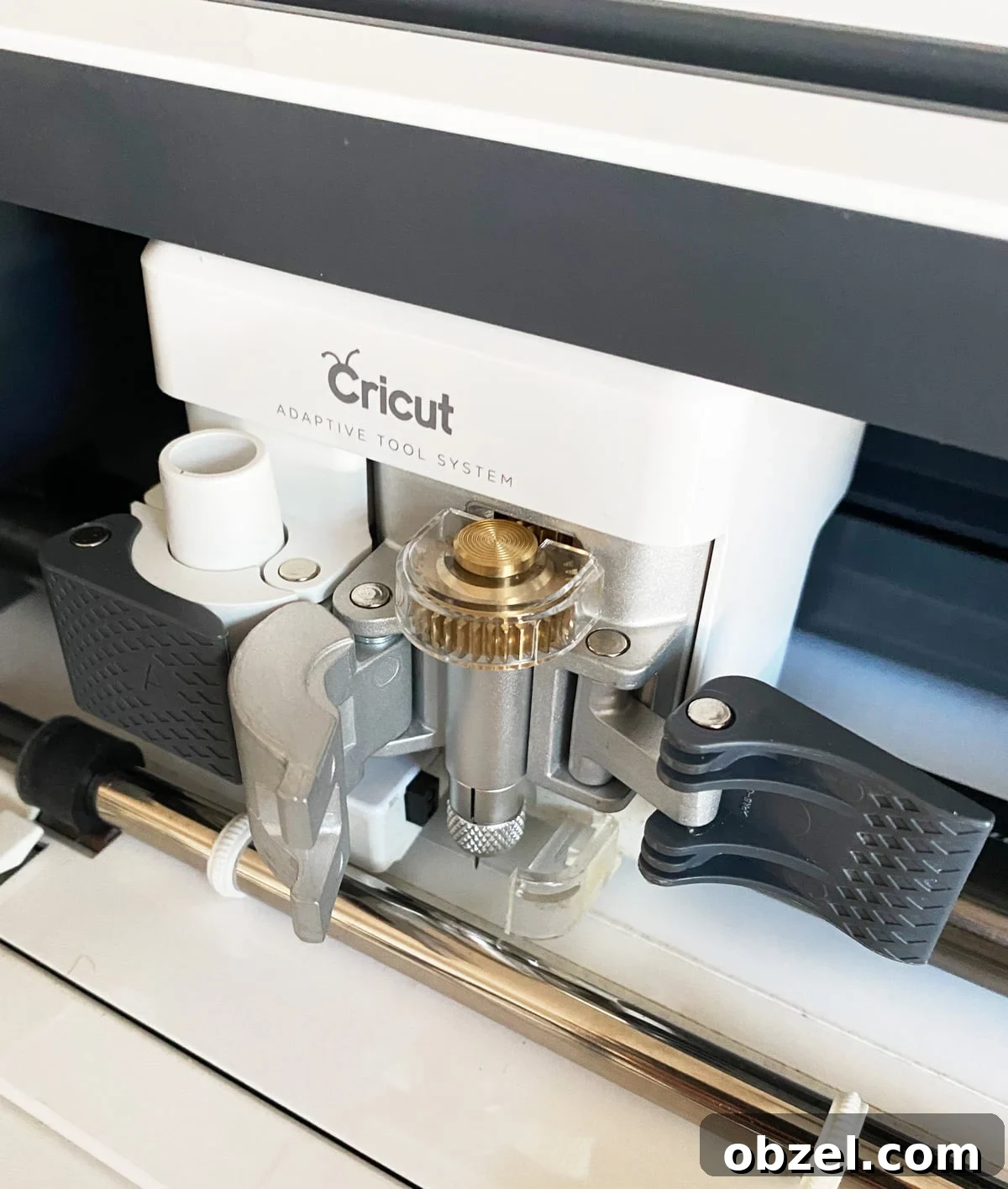
Before loading the mat, install the knife blade in your Cricut Maker. The knife blade is designed for deeper cuts and is the correct tool for cutting thicker materials like basswood.
Remove the protective plastic cap from the blade, then open clamp B on your Cricut Maker. Place the knife blade housing into the clamp with the flat open part of the gear facing the machine. Close the clamp securely before continuing.
If your knife blade has not been calibrated yet, calibrate it before starting the project. Proper calibration helps the Cricut Maker cut more accurately and gives you cleaner results when working with basswood.
Cut Basswood
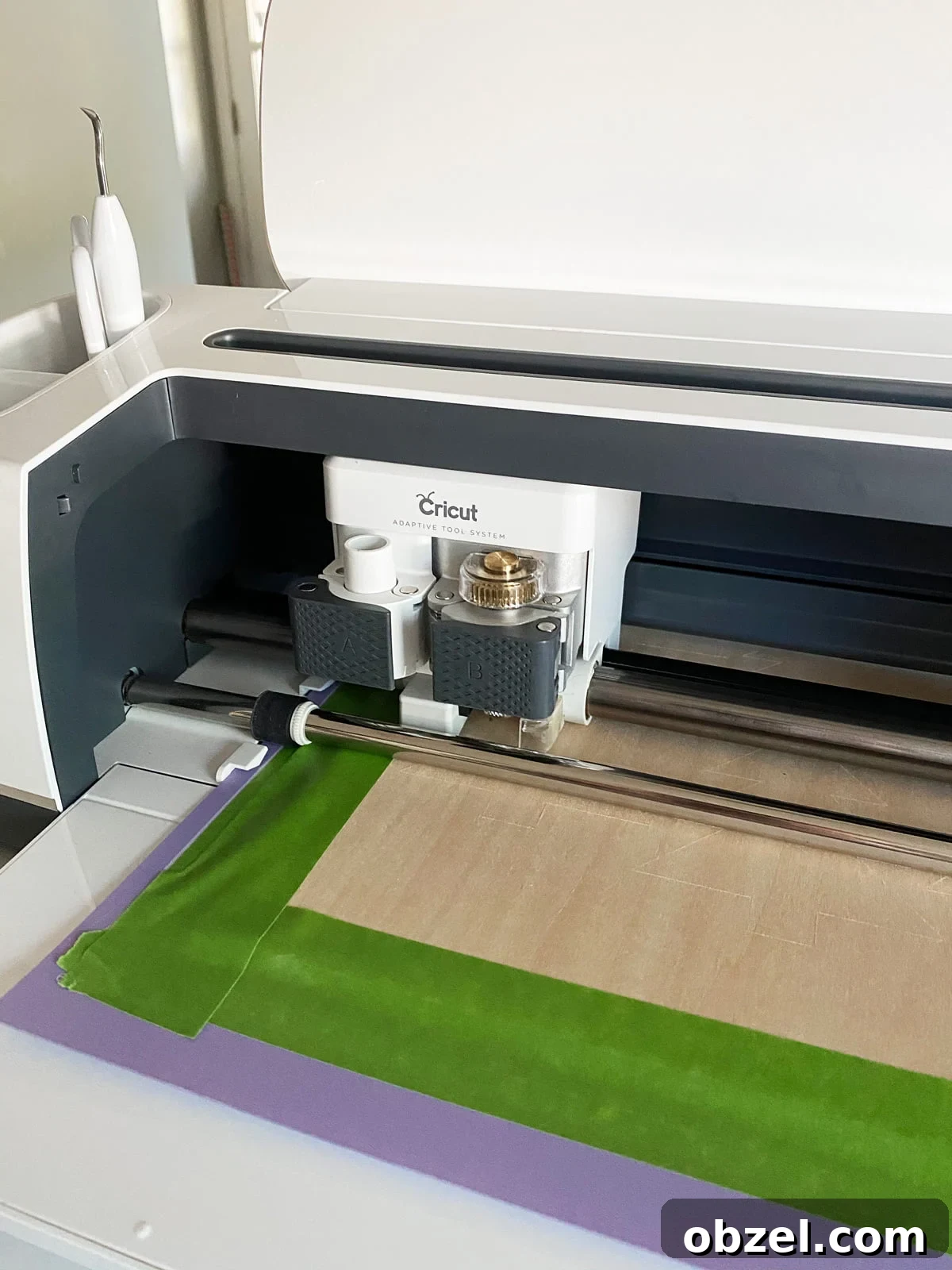
Load the mat into your Cricut Maker by placing it between the guides and pressing the flashing arrow button. Once the mat is loaded, the Cricut “C” button will light up. Press it to begin cutting.
Because basswood is thick, the machine will make several passes over the design. The total cutting time depends on the size and detail of your tree design. These wooden Christmas tree pieces took about 45 minutes to cut.
When the cut is finished, carefully remove the painters tape from the mat. Flip the mat upside down and gently peel the mat away from the basswood instead of pulling the wood upward. This helps reduce bending and keeps the pieces from breaking.
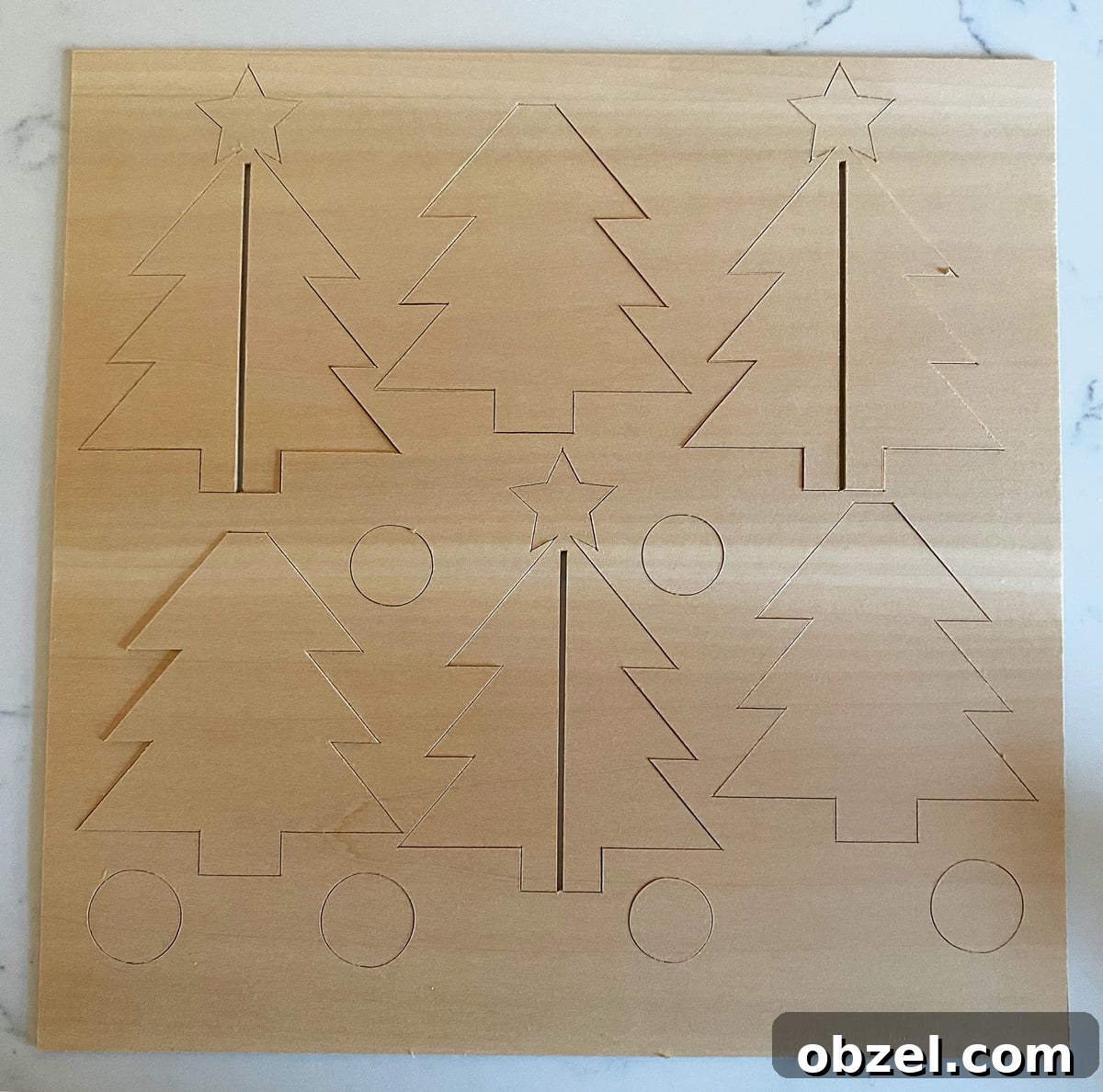
Pop the cut pieces out slowly. If any sections resist, use an exacto knife to finish the cut. A dull knife blade may not cut completely through the basswood, but you can carefully trace along the cut lines by hand. For safety and cleaner results, do this on a self-healing cutting mat.
Assemble
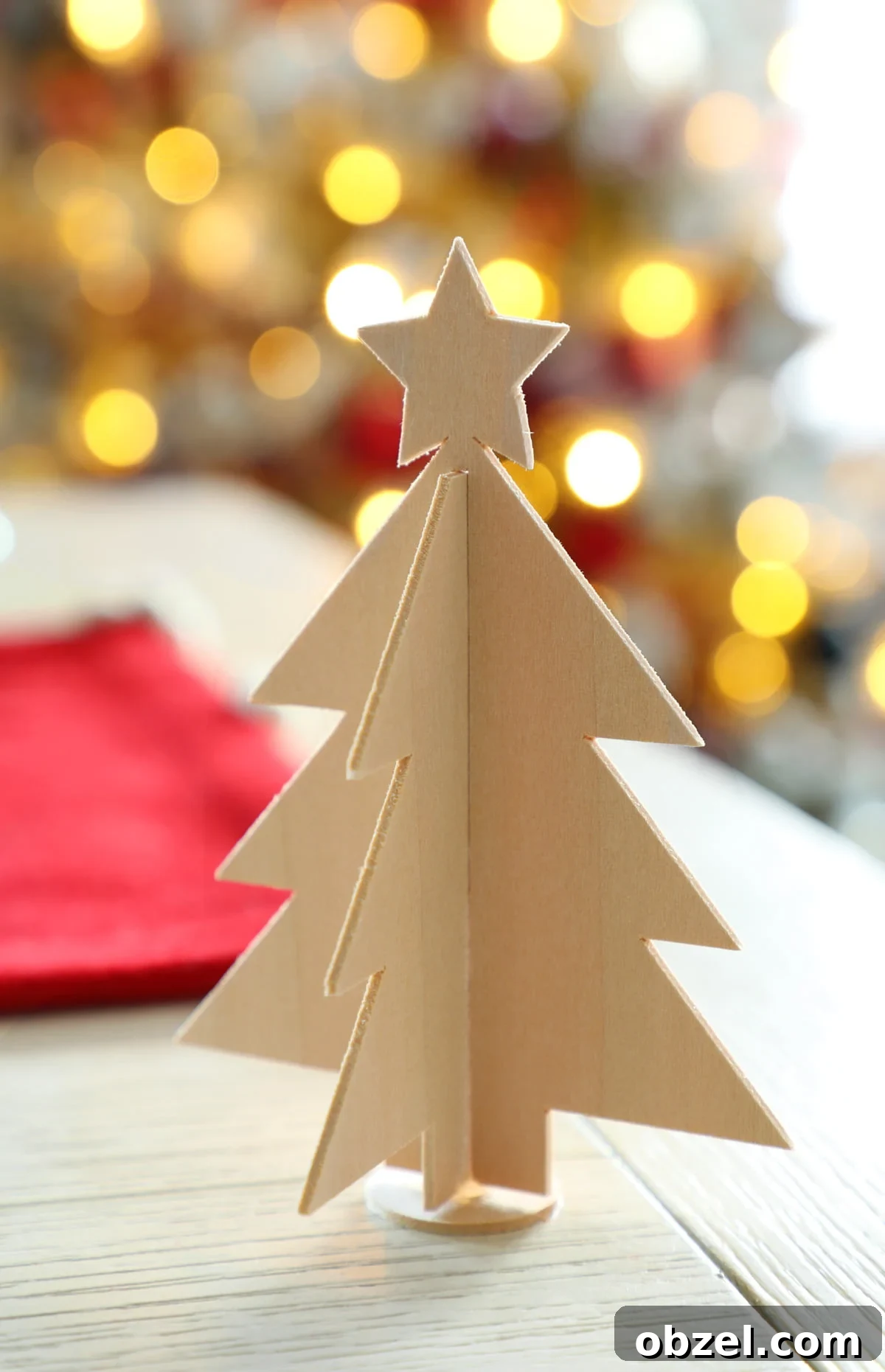
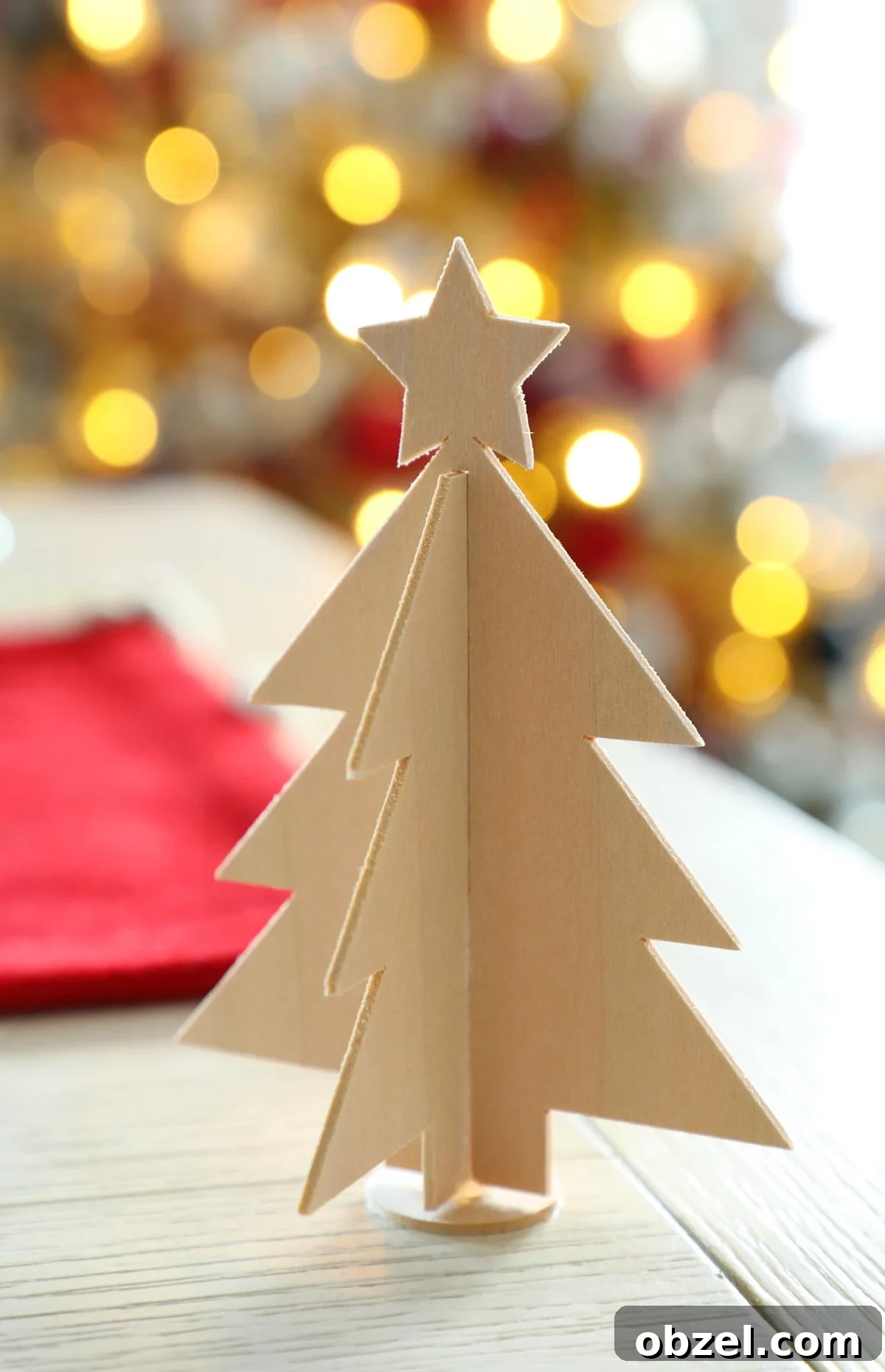
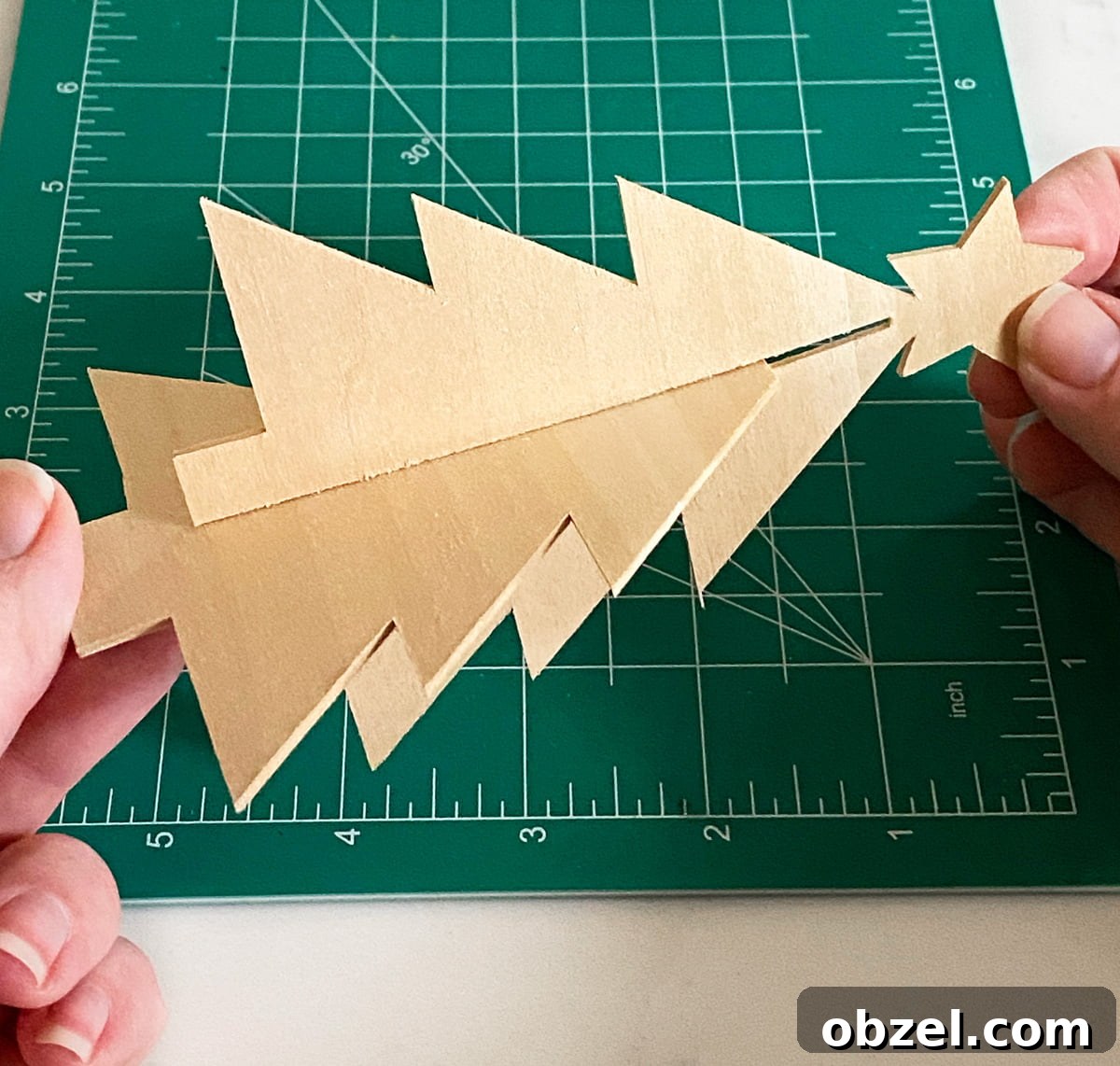
Once all of your basswood pieces are cut, you can assemble the 3D wooden Christmas tree. Hold the two tree pieces perpendicular to each other. Slide the piece with the star down through the center slot of the tree piece without the pointed top. The pieces should fit together to create a standing 3D tree shape.
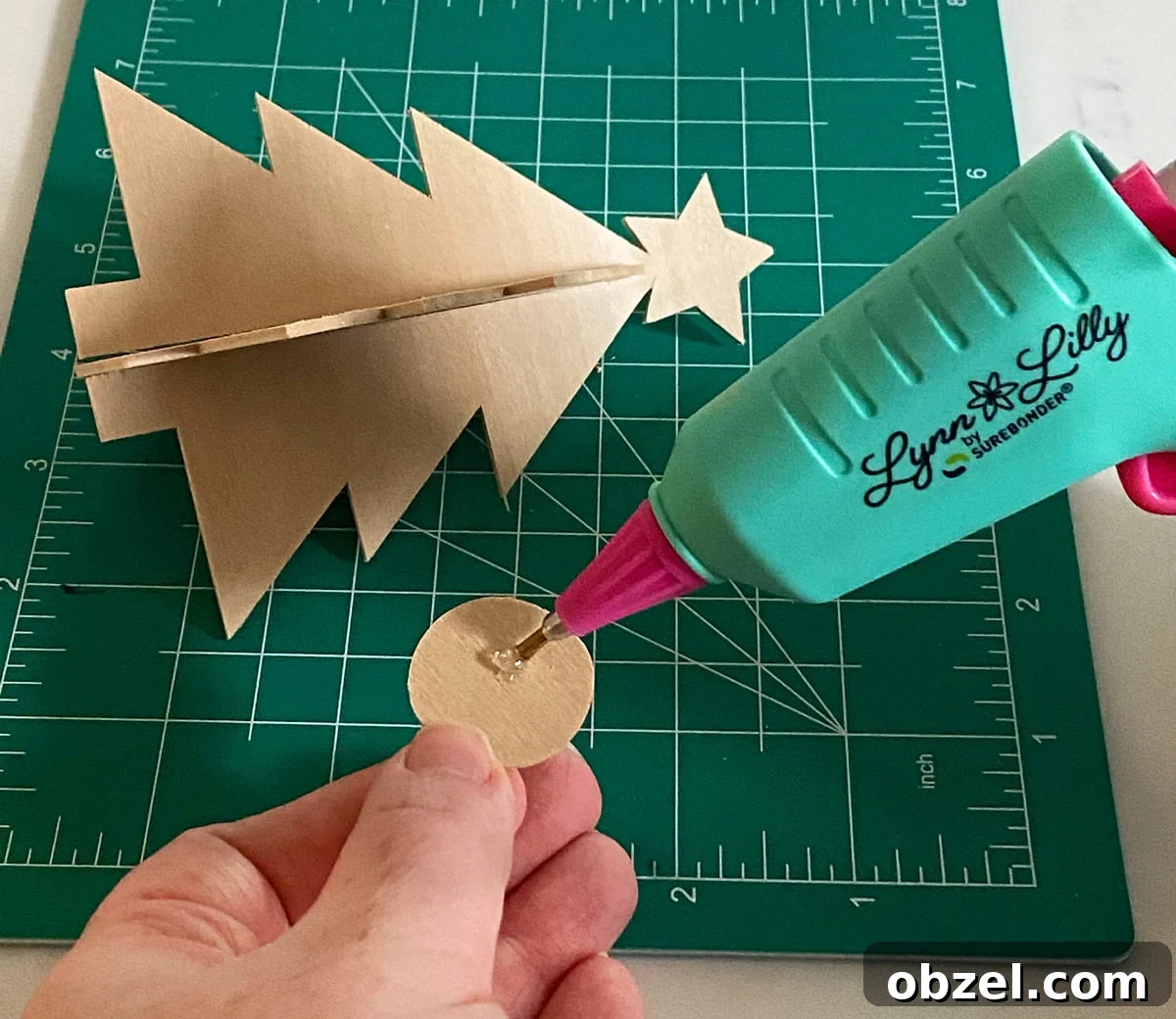
Next, attach the tree to the basswood circle base. Add a small dab of hot glue to the center of the circle, then place the trunk of the tree into the glue. Hold it firmly for about 30 seconds, or until the glue sets and the tree stands securely.
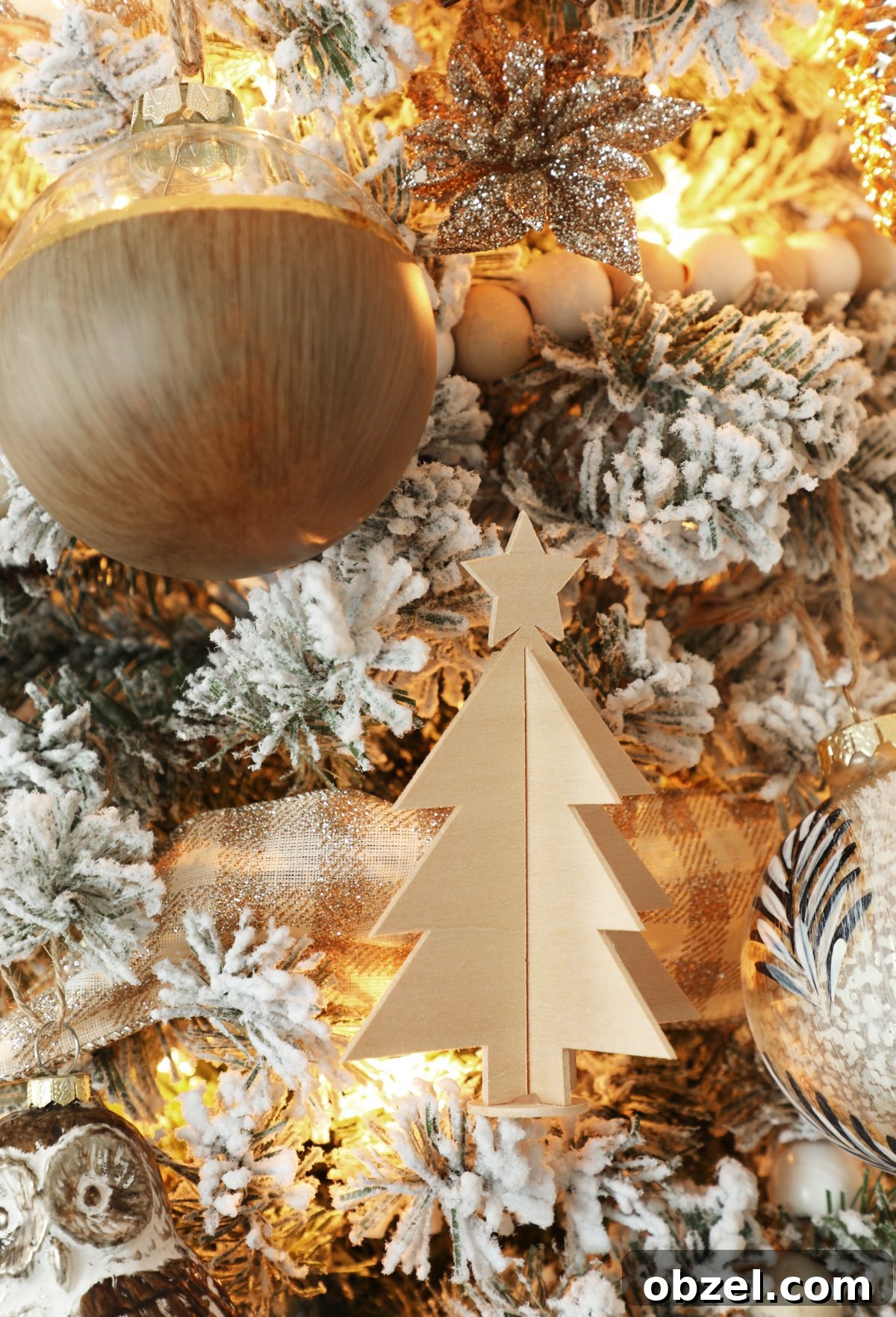
If you want to turn your wooden Christmas tree into an ornament, attach a piece of jute or bakers twine to the back with a small dab of hot glue. This simple addition makes it easy to hang the tree on a Christmas tree, wreath, or holiday garland.
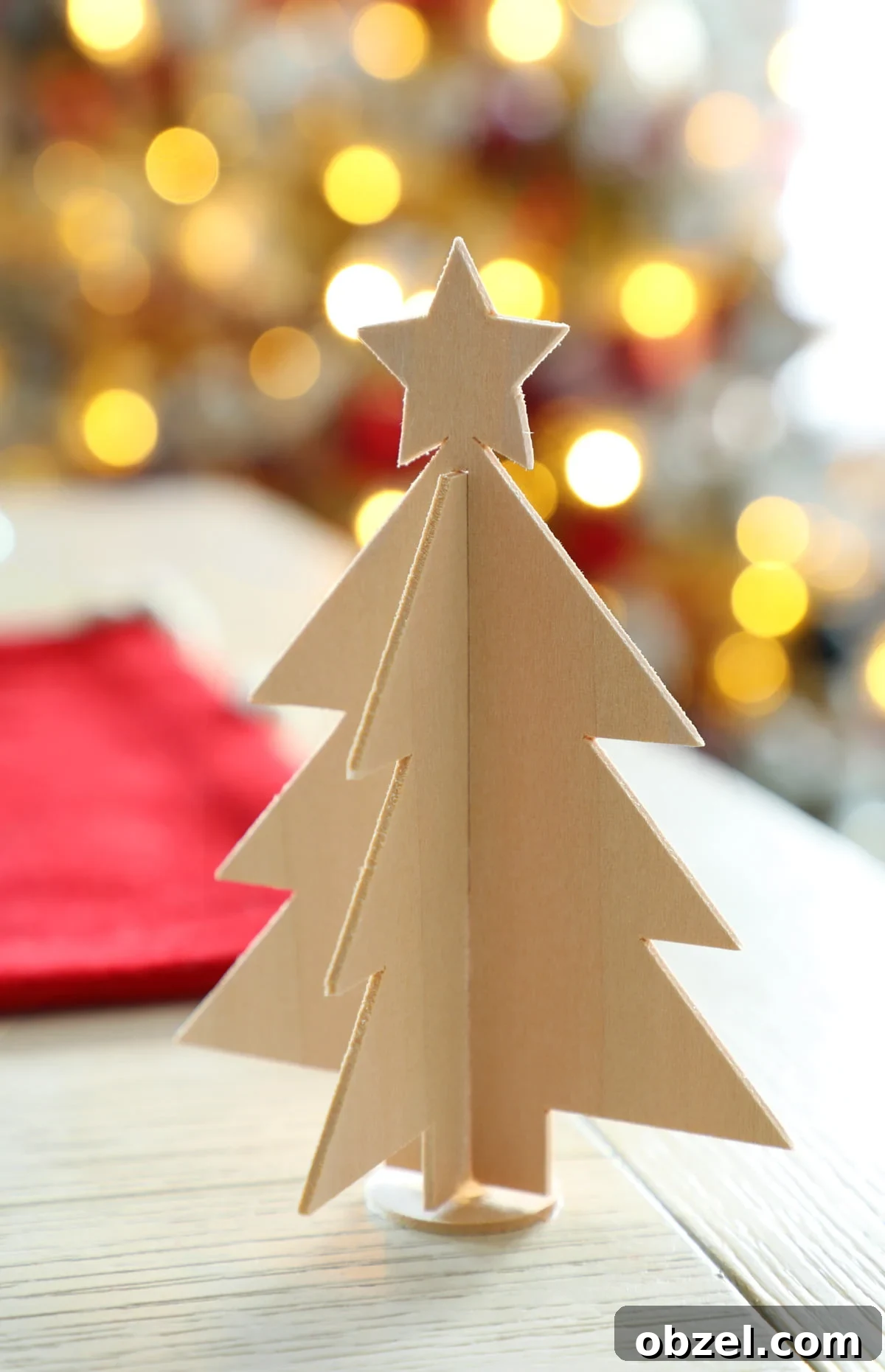
These 3D basswood Christmas trees look beautiful with a natural wood finish, but they are also easy to customize. Leave them plain for a rustic farmhouse look, stain them for a warmer finish, or paint them to match your holiday color palette. They are simple, lightweight, and perfect for adding handmade charm to your Christmas decorations.